Ads don't get a vote on your phone.
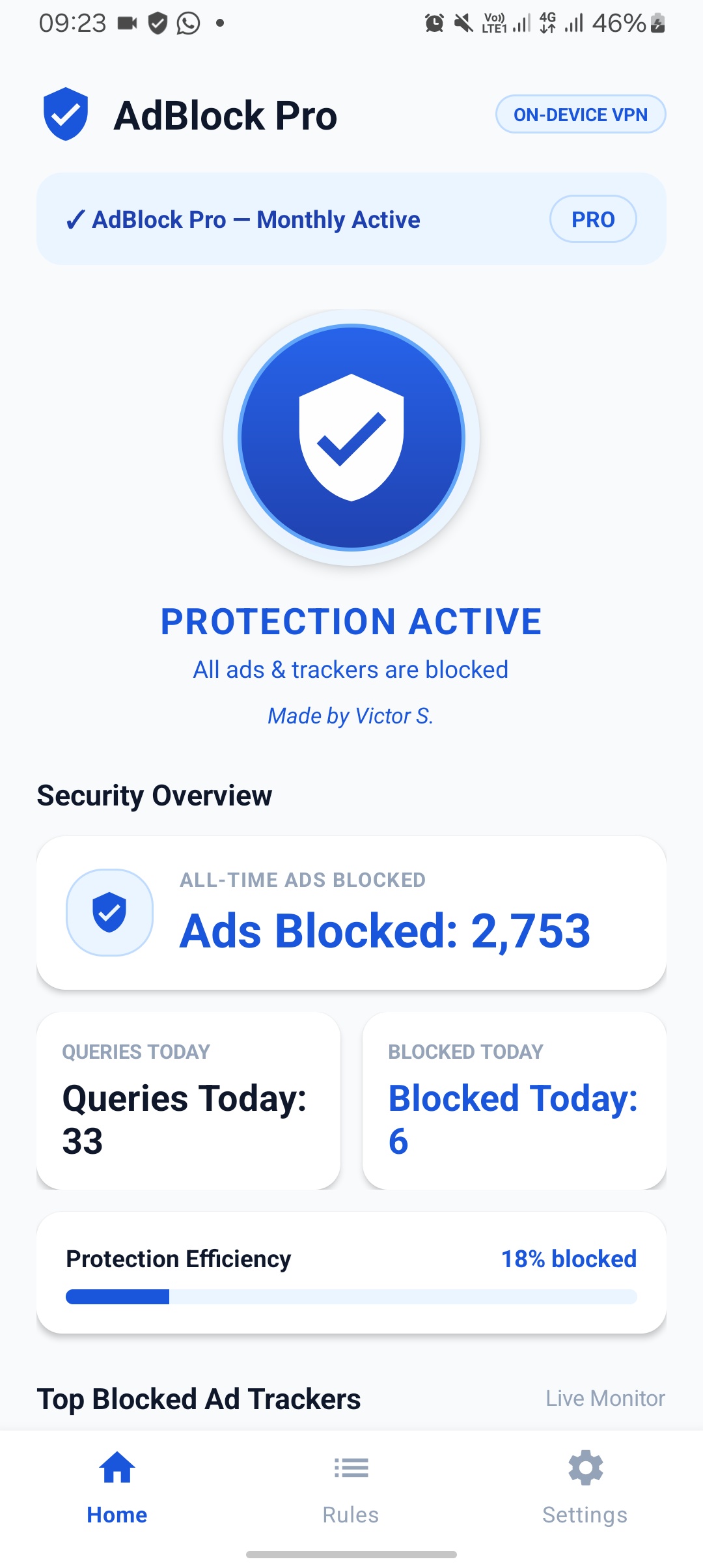
AdBlock filters ad and tracker traffic at the network level, before it reaches your games, apps, and streaming — no root required.
Free for 7 days. No account needed to try it.
What it actually does
Filtering that follows you everywhere
AdBlock works at the network level, so it filters ad and tracker traffic across every app on your device — games, browsers, and streaming apps alike — not just one app at a time.
Tuned against real ad networks
Built and tested against the ad networks actually used by popular streaming and download apps in Nigeria — significantly reducing pop-up and pre-roll ads. No blocker can promise every single ad, everywhere; this one is honest about that and keeps improving.
Nothing to unlock
AdBlock runs as a local VPN on your device. There's no rooting, no warranty risk, and no complicated setup — install it and turn it on.
Every blocked ad is data you keep
Ad and tracker requests cost data before you ever see them. Blocking them at the source means less of your plan goes to content you never asked for.
See it work
A side-by-side look at a game ad breaking up a video — with AdBlock off, and with it on.
Getting started
-
1
Download the APK
Direct from this page. AdBlock isn't on the Play Store, since Google doesn't allow ad-blocking apps there.
-
2
Allow installation from this source
Android will ask once. Approve it, then continue the install.
-
3
Turn on protection
One tap on the shield. Android will ask to set up a VPN connection — that's AdBlock, running locally on your device.
-
4
Browse like normal
Ad and tracker traffic gets filtered in the background, across your whole device.
Pricing
Try it fully free. Pay only if you want to keep it.
Get AdBlock on your phone
Direct APK download. Takes about a minute to install.
Download the APKAndroid 8.0 and up. Not affiliated with Google Play.